Most brands don't hit trouble with product photos on day one. The mess starts when a small catalog becomes 200 SKUs, then 2,000, and your old setup can't keep up.
At that point, ecommerce product photography affects more than how your site looks. It shapes conversion rate, return rate, ad performance, marketplace approval, image search visibility, and plain old trust. The fix isn't taking prettier shots one item at a time. It's building a repeatable system.
Start with a photo system you can repeat for every product
Scaling starts with standard rules. If every shoot uses different framing, lighting, file names, or edit choices, your catalog will look patched together. Worse, your team will waste hours fixing work that should've matched from the start.
A simple system should cover your shot list, image dimensions, crop ratios, background rules, camera settings, lighting positions, and retouching limits. Keep it boring on purpose. Boring is fast, and fast holds up when volume grows.
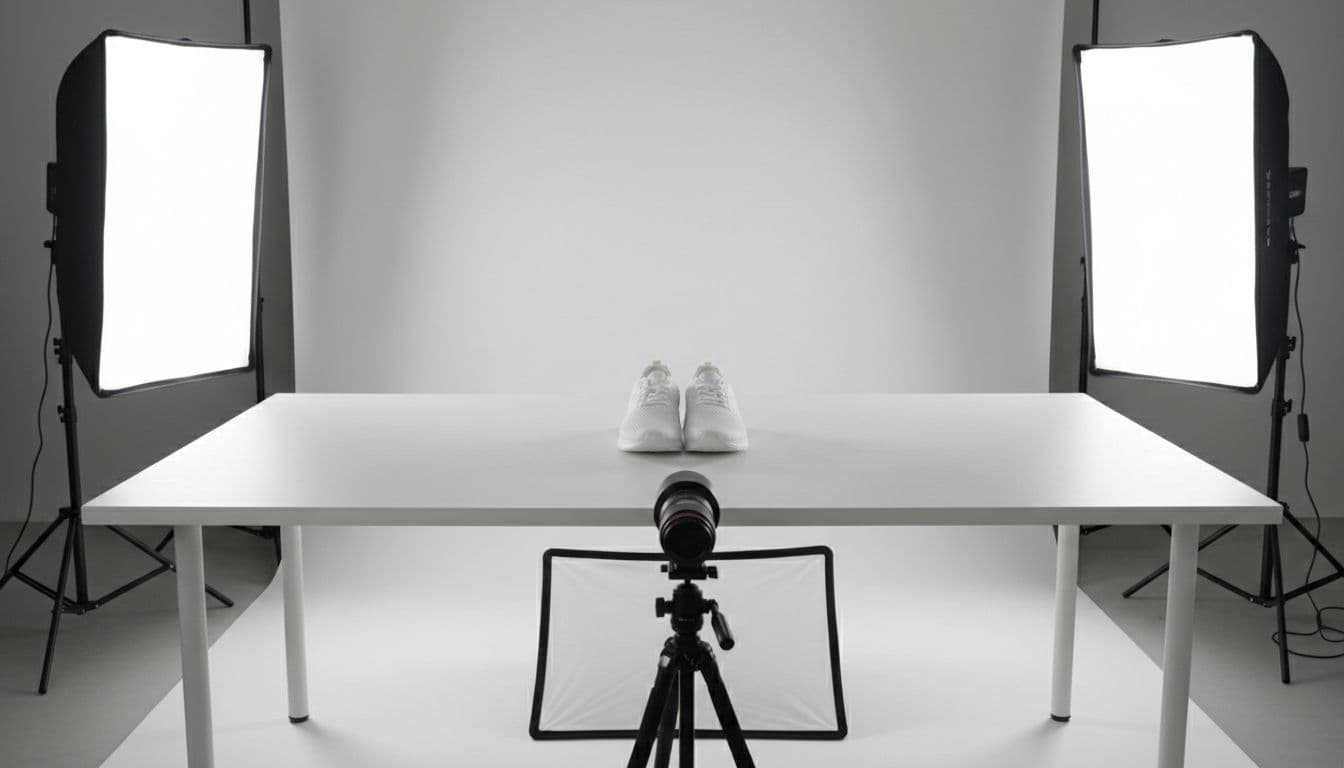
Build a shot list that fits each product type
Not every product needs the same photo set. A serum bottle, a sofa, and a hoodie tell their story in different ways. Still, each category should have a template.
For apparel, that might mean a front hero, back view, fabric close-up, fit shot, and scale image. Beauty products often need a clean hero, ingredient or texture detail, packaging shot, and in-use lifestyle image. Home goods may need room context. Electronics often need angle shots, port details, and what comes in the box.
That template keeps teams from guessing. It also cuts reshoots because everyone knows what "done" looks like before the product ever hits the set.
If your team decides the shot list during the shoot, you've already slowed down.
Create simple brand guidelines for photos
Your guidelines don't need to read like a law book. One or two pages can do the job if they're clear.
Spell out how color should look, whether shadows are soft or sharp, how white balance is checked, where the product sits in frame, and when props or models are allowed. Also define how much retouching is okay. For example, dust cleanup is fine, but changing the product's real color is not.
These rules matter when you work with freelancers, agencies, and in-house staff at the same time. Without them, one batch looks bright and airy, another looks moody, and your storefront loses trust. Consistency signals quality before a shopper reads a single product detail.
Choose the right production model for your stage of growth
The best setup depends on your product volume, budget, speed needs, and team skills. Some brands need full control. Others need extra hands during launch season. Many land in the middle.
This quick comparison helps frame the choice:
| Model | Best for | Main upside | Main tradeoff |
|---|---|---|---|
| In-house studio | High volume, frequent launches | Control and speed | Higher fixed costs |
| Freelancers | Small teams, flexible needs | Lower overhead | Less consistency |
| Agency partner | Large campaigns, lifestyle shoots | Deep talent and capacity | Less day-to-day control |
| Hybrid model | Growing brands with mixed needs | Flexibility and coverage | More coordination |
For many ecommerce teams, a hybrid model works best. Keep core packshots close to home, then outsource lifestyle, overflow work, or heavy retouching.
When an in-house setup makes the most sense
If you launch products every week or manage a large catalog, in-house production can save time. You can test lighting once, lock your setup, and move through SKUs faster. It also helps when your brand needs tight control over style and quick turnarounds.
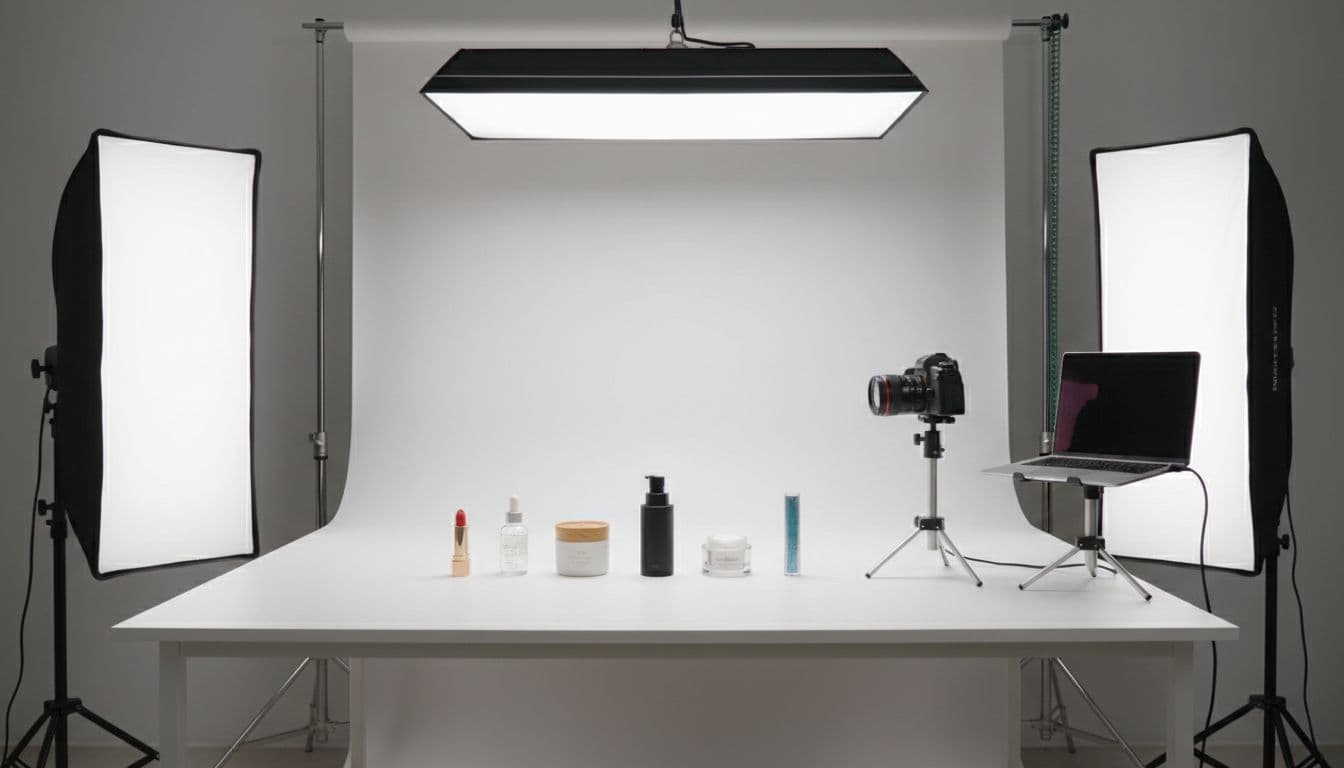
A basic studio doesn't need to be fancy. Start with consistent lights, stands, a camera, tethered capture, tables, backdrop rolls, and storage for samples. Then think beyond gear. You may also need a shooter, editor, stylist, traffic manager, and someone who keeps files organized.
Those hidden costs surprise people. Training, storage, replacement gear, sample tracking, and workflow oversight all add up. So, in-house makes sense when the volume is high enough to keep the setup busy.
When to outsource product photography
Outsourcing helps when demand spikes or your team lacks a certain skill. For example, you might keep simple white-background images in-house, then hire a partner for seasonal campaigns or advanced retouching.
Success depends on the brief. Send a clear shot list, your brand guide, exact file specs, naming rules, and a few approved examples. Ask for test shots before the full run. Also set service expectations early, including turnaround time, revision limits, and how products will ship back.
The more detail you share up front, the less back-and-forth you'll face later. In other words, vendors don't create consistency on their own. Your process has to hand it to them.
Speed up the workflow without lowering image quality
Fast production matters, but bad speed costs more than slow speed. When one framing mistake spreads across 400 SKUs, the "quick win" turns into weeks of cleanup.
The biggest gains usually come from batching, tethered shooting, presets, review checkpoints, and smart use of AI tools. Think of it like a kitchen line. You don't cook one full meal from start to finish before starting the next. You prep similar work together.
Batch similar products to cut setup time
Group products by size, material, color family, or lighting needs. Reflective items often need one lighting setup. Flat lays need another. Soft goods may need steam and styling time, so shoot them in one block.
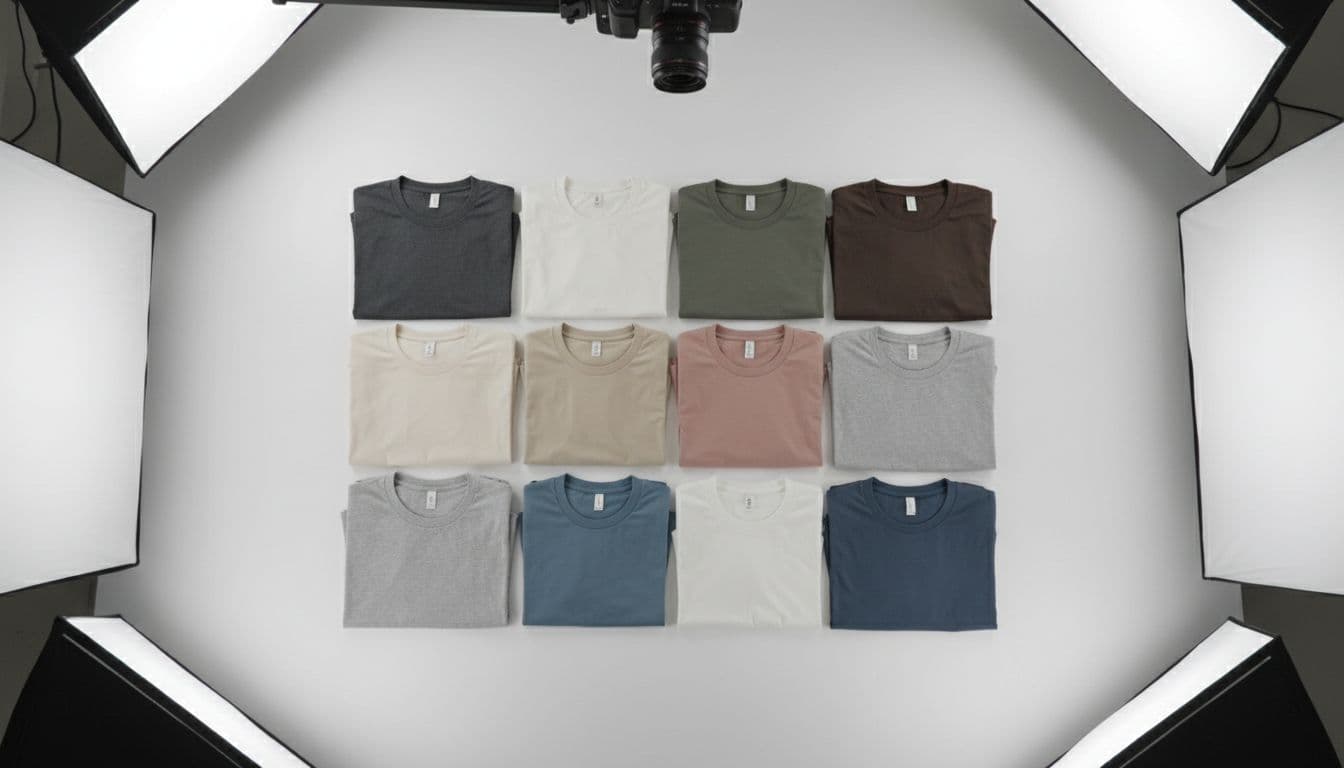
That approach cuts changeovers. It also helps assistants prep the next batch while the current one is still on set. For example, a team shooting all folded tees together can keep the same overhead camera, same crop, and same light pattern for hours. Meanwhile, trying to jump from shirts to glassware to shoes in one session slows everyone down.
Use editing templates and AI tools with care
Automation is great at repetitive tasks. Background removal, cropping, resizing, renaming, and basic cleanup can all move faster with templates and AI support.
Still, not everything should be hands-off. Texture detail, color accuracy, realistic shadows, and edge cleanup still need human review. If a sweater loses fabric detail or a blush shade shifts pink to coral, that error follows the product into ads, listings, and returns.
A good rule is simple: automate the repeatable work, then review the brand-sensitive parts. That balance keeps output moving without turning your catalog into a guessing game.
Plan for every channel where your product photos will appear
Scaling isn't only about taking more photos. It's also about making one master image set work across your site, marketplaces, paid ads, email, social posts, and AI-driven product discovery.
Each channel asks for different crops, counts, and backgrounds. Yet the source files should come from one organized library, not five separate shoots for the same product.
Adapt one master image set for site, marketplace, and social
Your ecommerce site might want multiple aspect ratios and close-up details. Amazon may require a white background for the main image. Walmart has its own rules. Meta ads may need a punchier crop, while organic social often performs better with lifestyle context.

The smart move is to create a strong master set first. Then crop, resize, and adapt those assets for each platform. That saves money and keeps your brand look steady everywhere people find you.
Optimize product images for SEO and AI search visibility
Images can help people find your products, not only judge them. Use descriptive file names, helpful alt text, modern file formats, and clean page structure so search engines can read what the image shows.
Visual context matters too. A clear hero image helps classic search. Detail images and accurate context can also support visual search and AI-driven results, where systems try to match what a shopper sees or asks for. If your files are messy, generic, or slow to load, you lose that edge before the click happens.
Track the metrics that show your photo process is really scaling
A process isn't scaling because the team feels busy. It's scaling when output rises, errors stay low, and the business sees better results.
Track production numbers first. Look at cost per SKU, turnaround time, approval time, and reshoot rate. Then connect that work to business metrics like conversion rate, add-to-cart rate, return rate, and ad click-through rate.

Watch for signs your workflow is breaking down
You can usually spot trouble before a full blow-up. Late launches, inconsistent images, missing angles, messy file storage, rising edit costs, and frequent reshoots all point to a weak system.
When those signs appear, don't blame the last person who touched the file. Look at the process. Most photo problems start much earlier, often in the brief, sample handling, or approval path.
Improve the process with small tests and regular reviews
Big changes feel exciting, but small tests are safer. Try a new shot list on one product family. Test a new vendor on 20 SKUs, not 2,000. Compare an AI editing tool against your current method before changing the full catalog.
Quarterly reviews help too. Revisit standards, turnaround times, tools, and performance data. Growth changes what "good enough" looks like, so your system should keep pace without starting from scratch every season.
A growing catalog doesn't have to wreck your photo process. Scale product photography for ecommerce by locking in standards, picking the right production model, automating repeatable tasks, and tracking what the work does for revenue.
Start small if you need to. Document one product category, test one workflow fix, and build from there. That's how a photo operation grows without turning into chaos.